Clipboard Normalization |
December 25th, 2025 |
| tech |
The world is divided into plain text and rich text, but I want comfortable text:
- Yes: Lists, links, blockquotes, code blocks, inline code, bold, italics, underlining, headings, simple tables.
- No: Colors, fonts, text sizing, text alignment, images, line spacing.
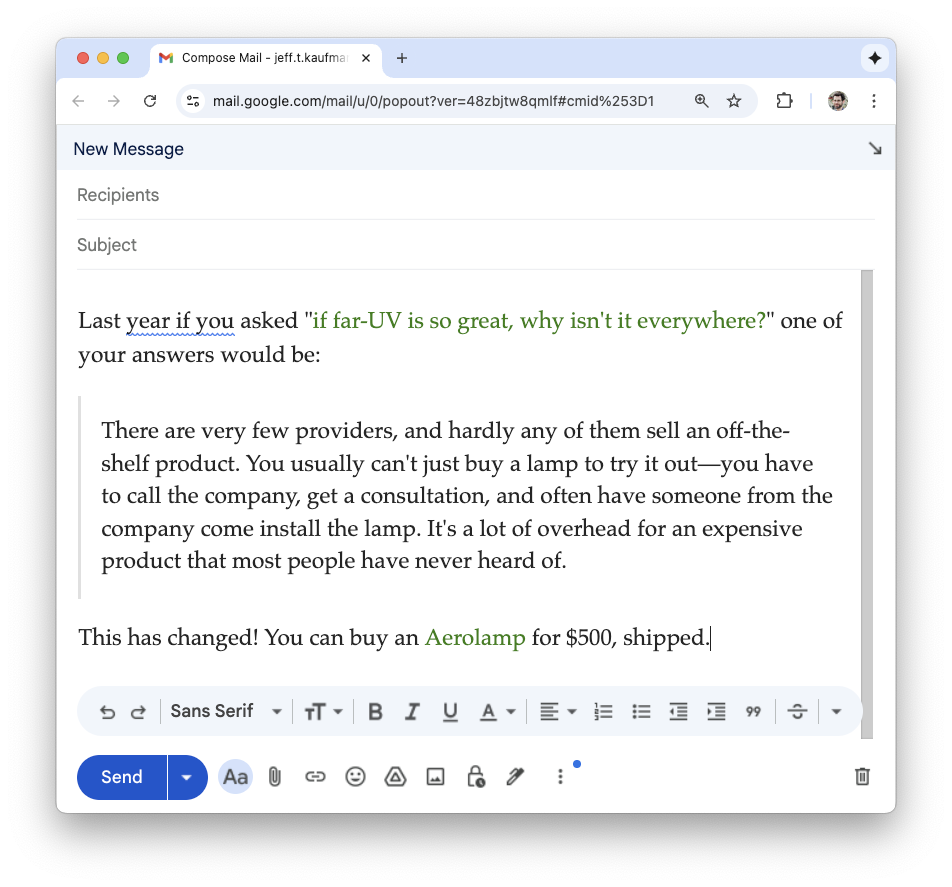
Let's say I want to send someone a snippet from a blog post. If I paste this into my email client the font family, font size, blockquote styling, and link styling come along:
If I do Cmd+Shift+V and paste without formatting, I get no styling at all:
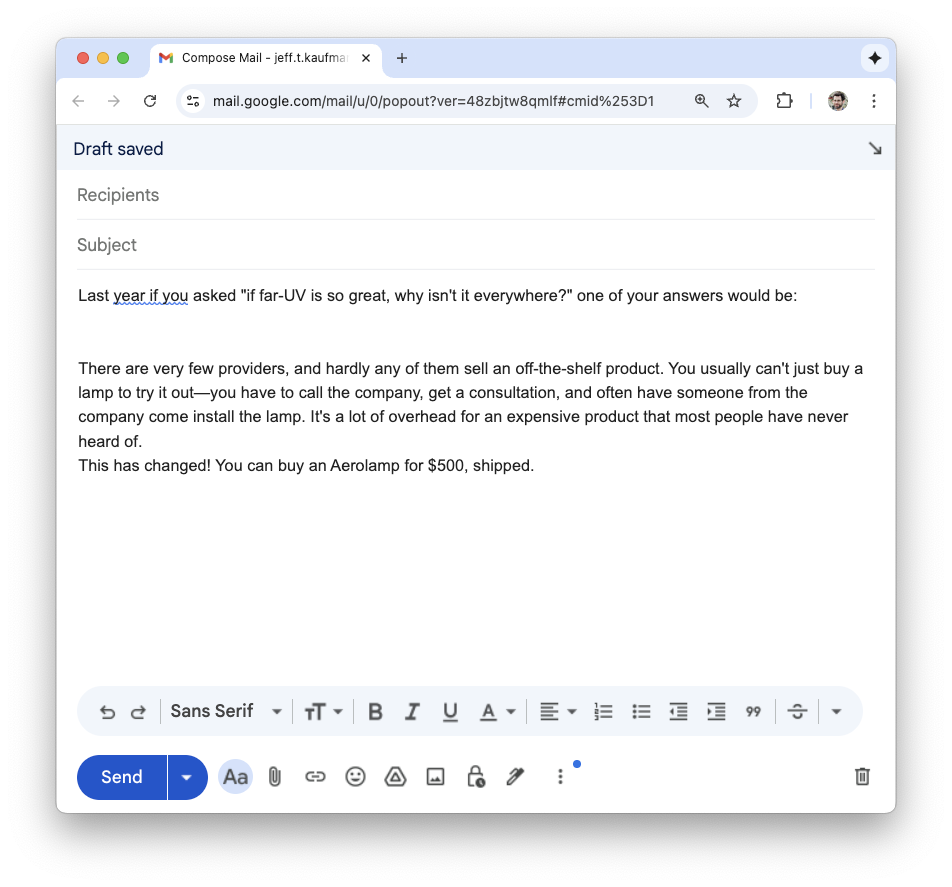
I can deal with losing the blockquote formatting, but losing the links is a pain.
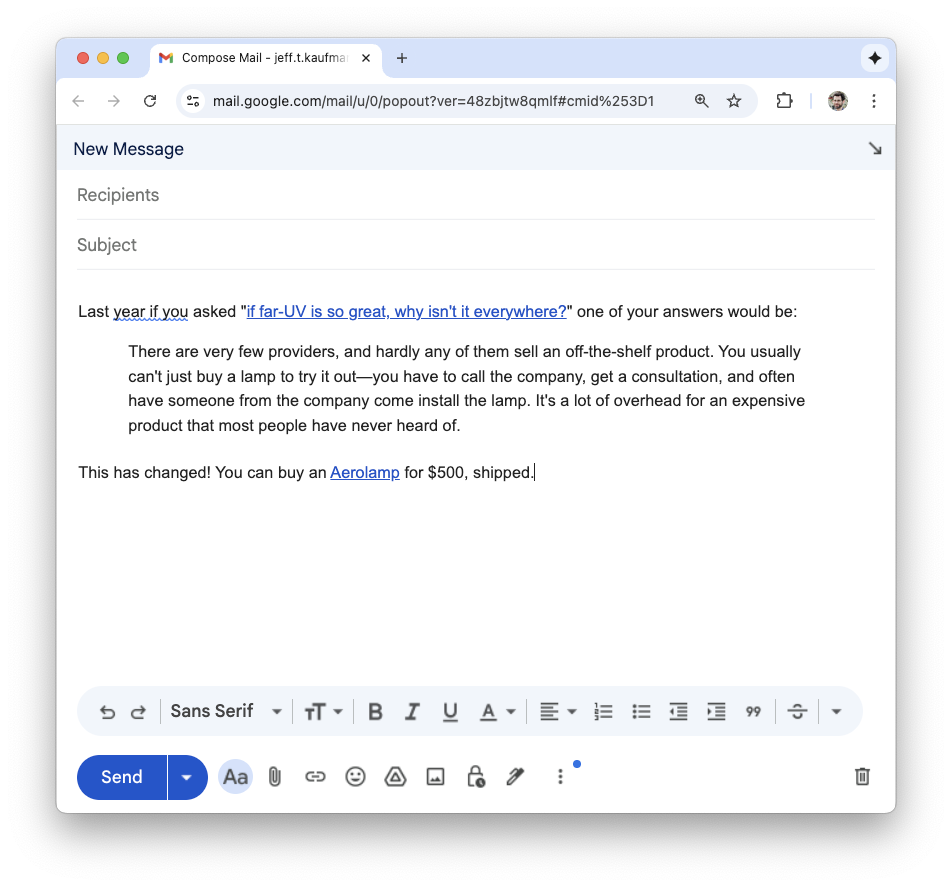
What I want is essentially the subset of HTML that can be represented in Markdown. So I automated this! I made a Mac command that pulls HTML from the clipboard, passes it through pandoc twice (HTML to Github-flavored markdown to HTML), and puts it back on the clipboard. I also packaged it up as a status-bar app:
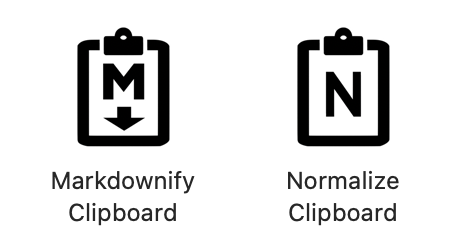
You can run it by clicking on the icon, or invoking the script:

$ normalize-clipboard
Which gives:
Alternatively, if I actually want Markdown, perhaps to paste into an LLM interface, I can skip the conversion to HTML:
$ markdownify-clipboard
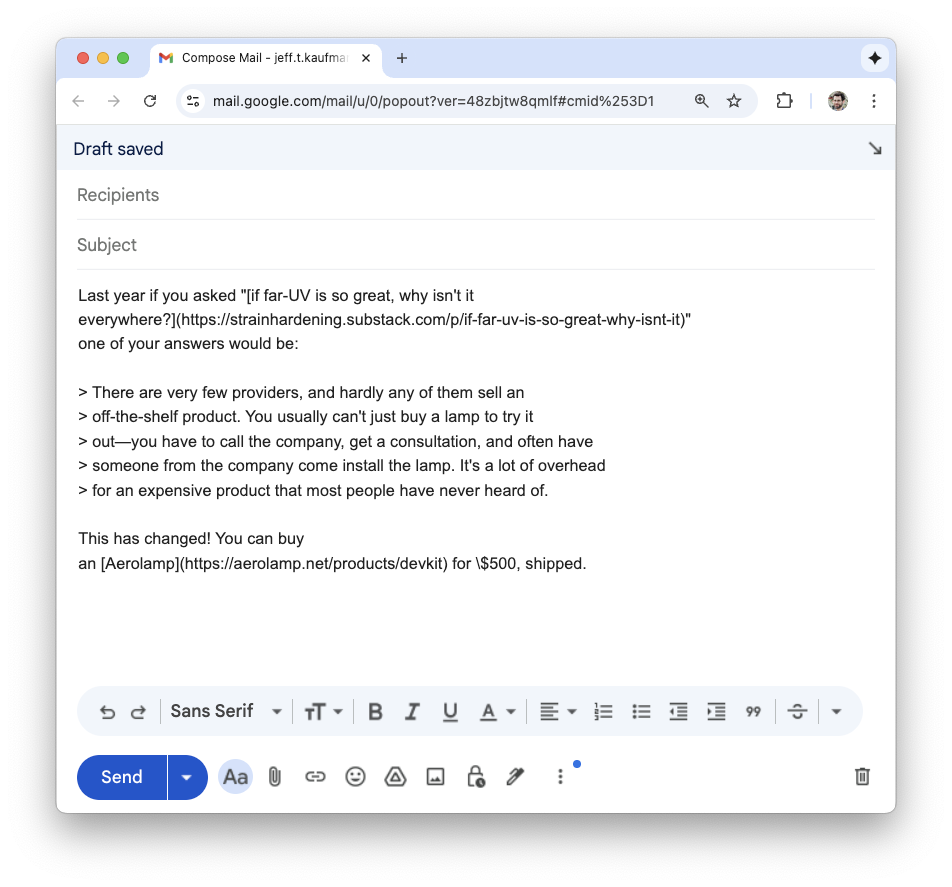
I'm pretty happy with this! It's open source, on github, so you're welcome to give it a try if it would be useful to you.
Note that I haven't paid for an Apple Developer subscription, so if you want to use the pre-built binaries you'll need to click through scary warnings in both your browser and the OS. I've documented these in the README, though an advantage of building from source is that you don't have to deal with these.
This was my first time using Platypus to package a script as a Mac app. It worked well!
Comment via: facebook, lesswrong, mastodon, bluesky, substack